> ## Documentation Index
> Fetch the complete documentation index at: https://docs.getgalaxy.io/llms.txt
> Use this file to discover all available pages before exploring further.
# Graph
> How to navigate your project
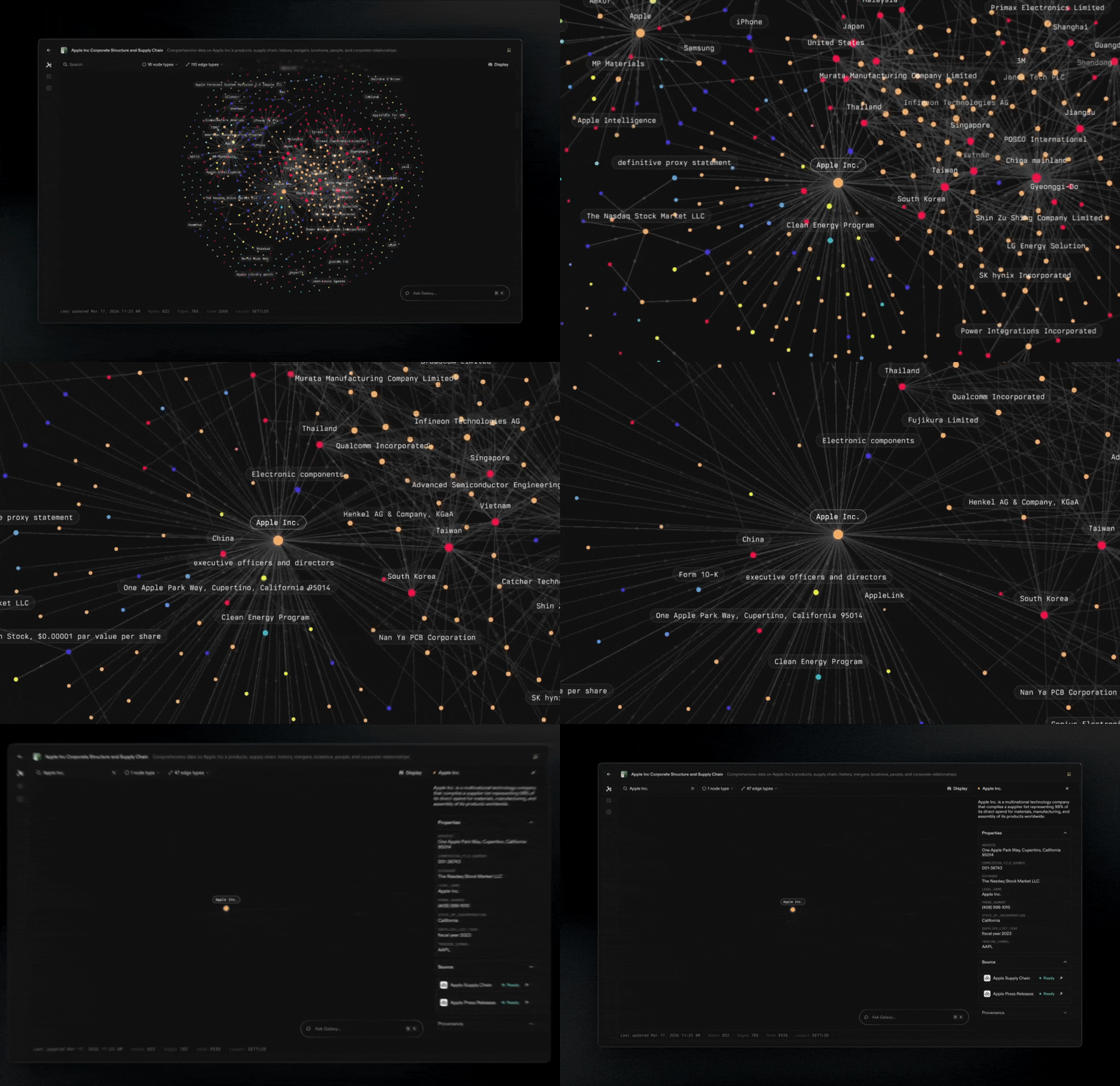
The graph view is the fastest way to understand what you have modeled. It lets you see Nodes and Edges as a connected system, then drill into the parts that matter.
 ## **Navigate the canvas**
* **Zoom and pan** to move from a high-level overview to specific clusters.
* **Re-center your view** when you want to quickly get oriented again.
## **Inspect Nodes and Edges**
* **Click a node** to view details about that node and what it connects to.
* **Click an edge** to inspect the edge, including the connection type and how it links the two nodes.
## **Filter what you see**
## **Navigate the canvas**
* **Zoom and pan** to move from a high-level overview to specific clusters.
* **Re-center your view** when you want to quickly get oriented again.
## **Inspect Nodes and Edges**
* **Click a node** to view details about that node and what it connects to.
* **Click an edge** to inspect the edge, including the connection type and how it links the two nodes.
## **Filter what you see**
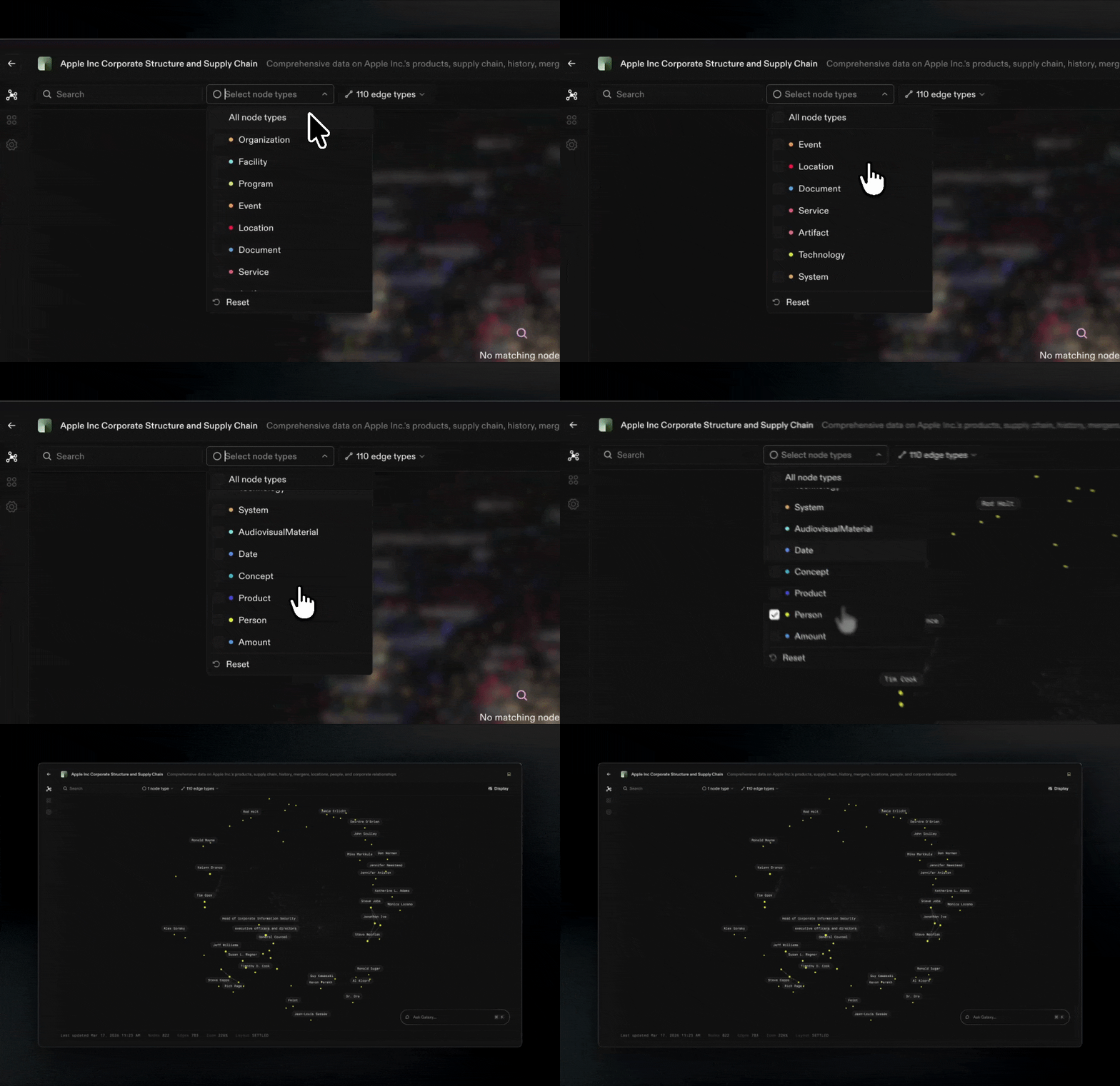 As graphs grow, you rarely want to look at everything at once.
* **Filter by node type** to focus on a specific concept (Customers, Orders, Products).
* **Filter by edge type** to trace a specific kind of connection (owns, contains, belongs to).
## **Tune the layout**
As graphs grow, you rarely want to look at everything at once.
* **Filter by node type** to focus on a specific concept (Customers, Orders, Products).
* **Filter by edge type** to trace a specific kind of connection (owns, contains, belongs to).
## **Tune the layout**
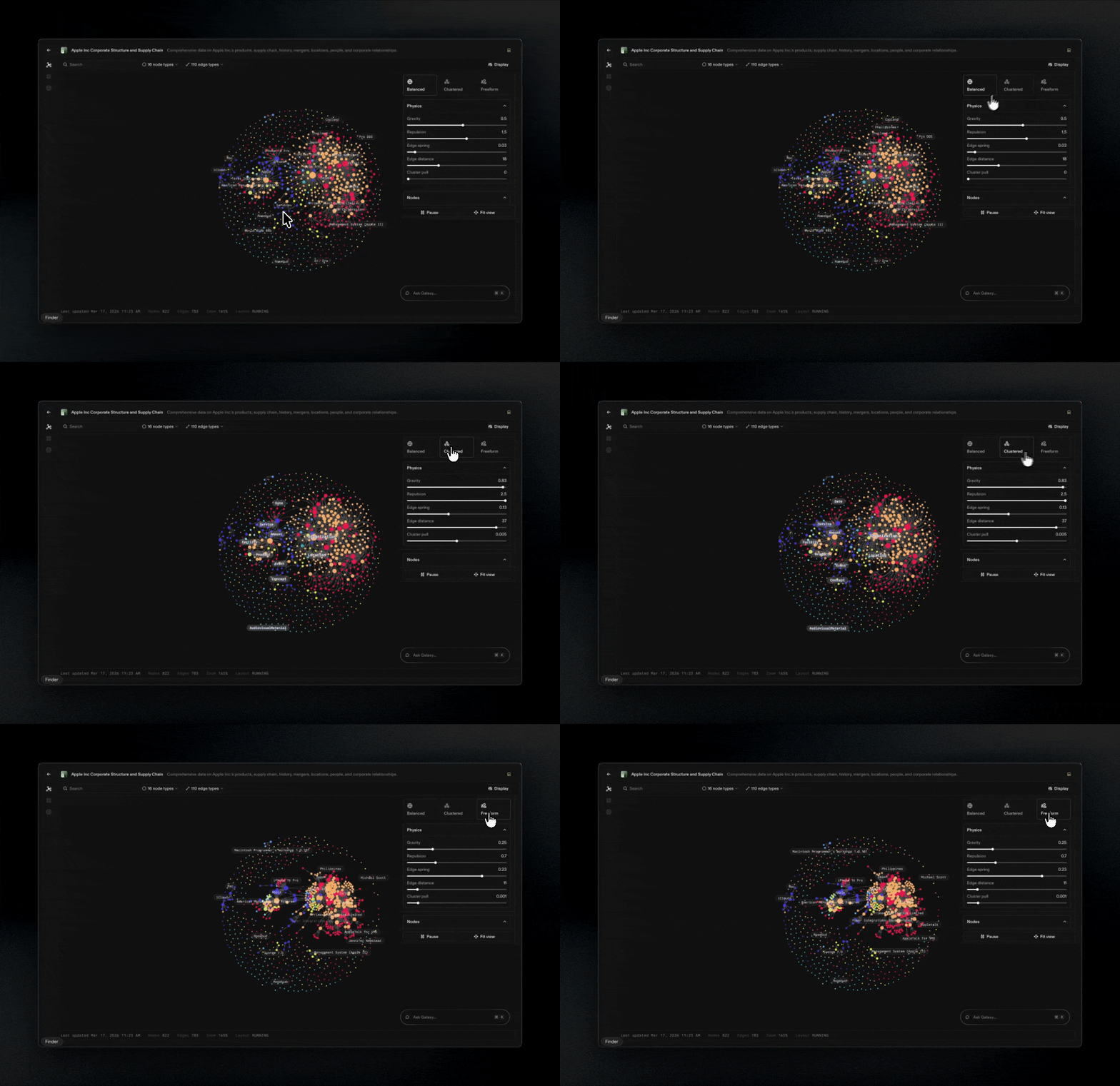 Different layouts make different patterns obvious.
* **Adjust graph physics** to change spacing, clustering, and how tightly related nodes pull together.
* Use this to **separate dense clusters**, **surface hubs**, and **follow relationship paths** more clearly.
**Tip:** Start broad, then narrow. Zoom out to understand structure, filter to isolate a question, then click edges to confirm the exact relationships.
Different layouts make different patterns obvious.
* **Adjust graph physics** to change spacing, clustering, and how tightly related nodes pull together.
* Use this to **separate dense clusters**, **surface hubs**, and **follow relationship paths** more clearly.
**Tip:** Start broad, then narrow. Zoom out to understand structure, filter to isolate a question, then click edges to confirm the exact relationships.