> ## Documentation Index
> Fetch the complete documentation index at: https://docs.getgalaxy.io/llms.txt
> Use this file to discover all available pages before exploring further.
# Workspace Settings
> Workspace configuration in Galaxy
Workspace settings control configuration that affects the entire workspace. They are organized into three sections:
### **General**
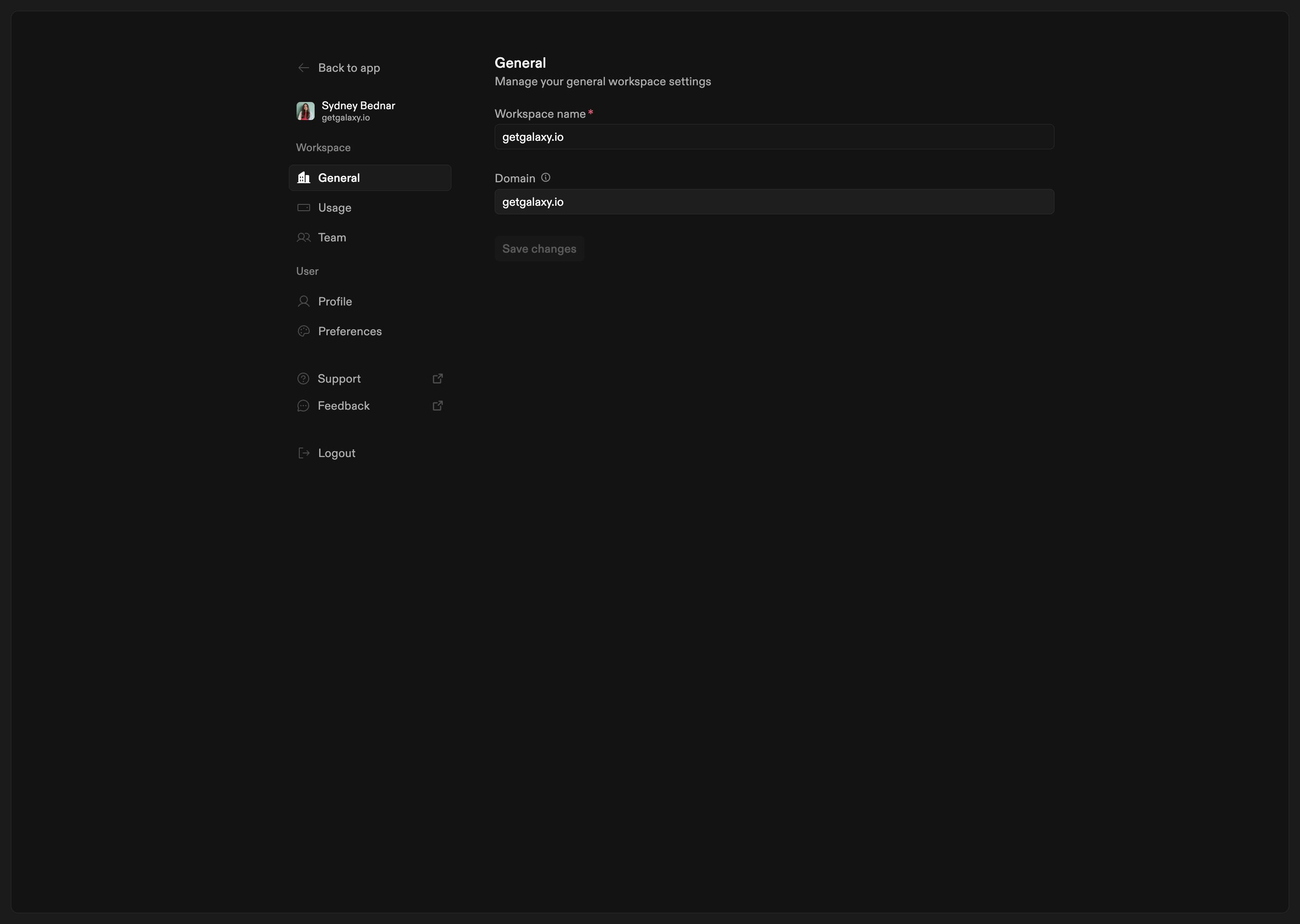 General settings control basic workspace information:
* **Workspace name**: The name of your workspace. This can be updated at any time.
* **Domain**: The workspace domain. This is set when the workspace is created and *cannot be modified afterward*. Contact [Support](mailto:support@getgalaxy.io) if you need to change your domain.
### **Team**
General settings control basic workspace information:
* **Workspace name**: The name of your workspace. This can be updated at any time.
* **Domain**: The workspace domain. This is set when the workspace is created and *cannot be modified afterward*. Contact [Support](mailto:support@getgalaxy.io) if you need to change your domain.
### **Team**
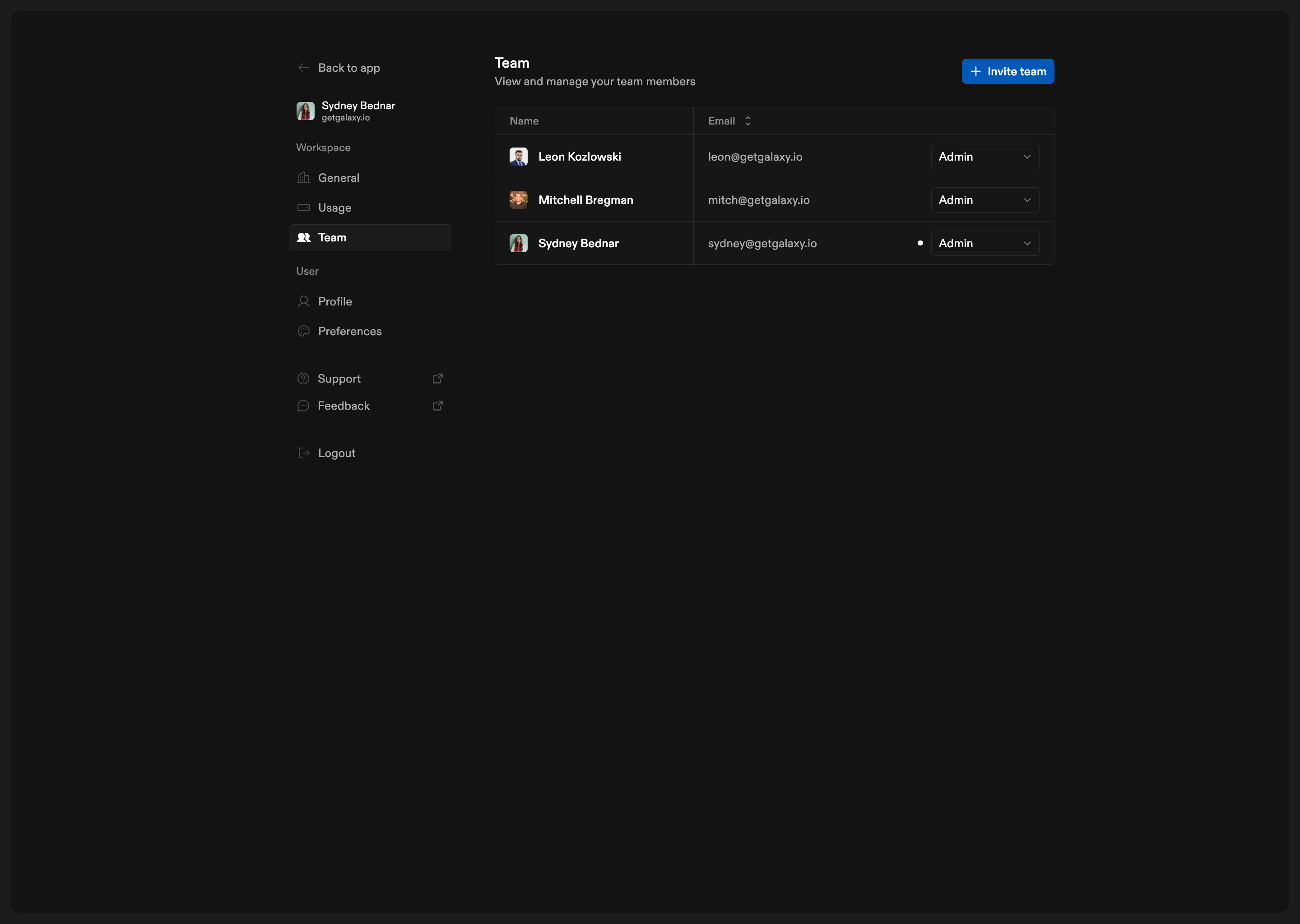 Team settings allow you to view and manage workspace members:
* **View team members**: See all users who have access to your workspace
* **Invite by email**: Add email addresses of people you want to invite
* **Send invitations**: Invite multiple users at once. When you invite users, they receive an invitation email with a link to join your workspace.
* **Track invitations**: See which invitations have been sent successfully.
Team settings allow you to view and manage workspace members:
* **View team members**: See all users who have access to your workspace
* **Invite by email**: Add email addresses of people you want to invite
* **Send invitations**: Invite multiple users at once. When you invite users, they receive an invitation email with a link to join your workspace.
* **Track invitations**: See which invitations have been sent successfully.