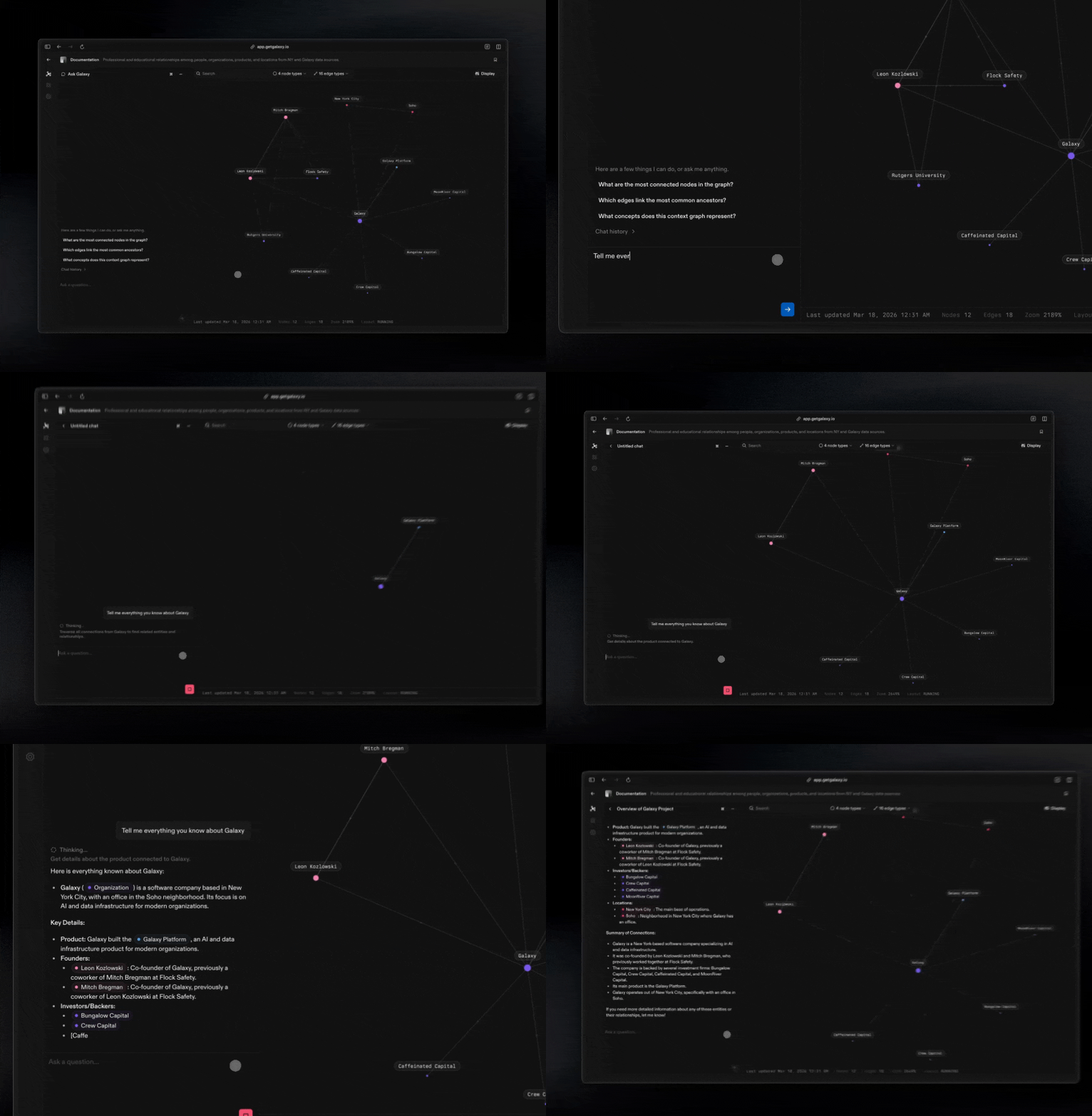
Chat is the fastest way to use your context graph without writing queries. Ask questions in plain language and get answers grounded in the nodes and edges you defined.
Start with Simple Questions
Begin by asking direct, natural questions about your model:
- How are Customers and Orders connected?
- What nodes relate to Invoices?
- What does the relationship between Subscription and Account mean?
Chat will look up the relevant nodes and edges in your graph and return answers based on your company’s definitions.
Explore Connections Step by Step
Use Chat to navigate your graph the same way you would click through it visually.
Try prompts like:
- Show me everything connected to a Customer
- How are Support Tickets related to Products?
- How does data flow from System A to System B?
Chat can traverse multiple edges at once, helping you uncover indirect connections that are hard to see manually.
Understand your Business Model
Chat is especially useful for learning and validating how your organization models key concepts.
You can ask:
- What does “Active Customer” mean in our model?
- Which systems define an Account record?
- Where does Revenue data originate?
Because answers come directly from the context graph, they stay aligned with the structure and language your team agreed on.
Refine As You Go
Use Chat as a guide while improving your model:
- If an answer seems incomplete, add missing edges
- If definitions feel unclear, update them in the graph
- Ask follow-up questions to confirm changes
Tip: Think of Chat as a smart guide to your graph. Use it to discover connections, validate understanding, and quickly learn how your business is actually represented.