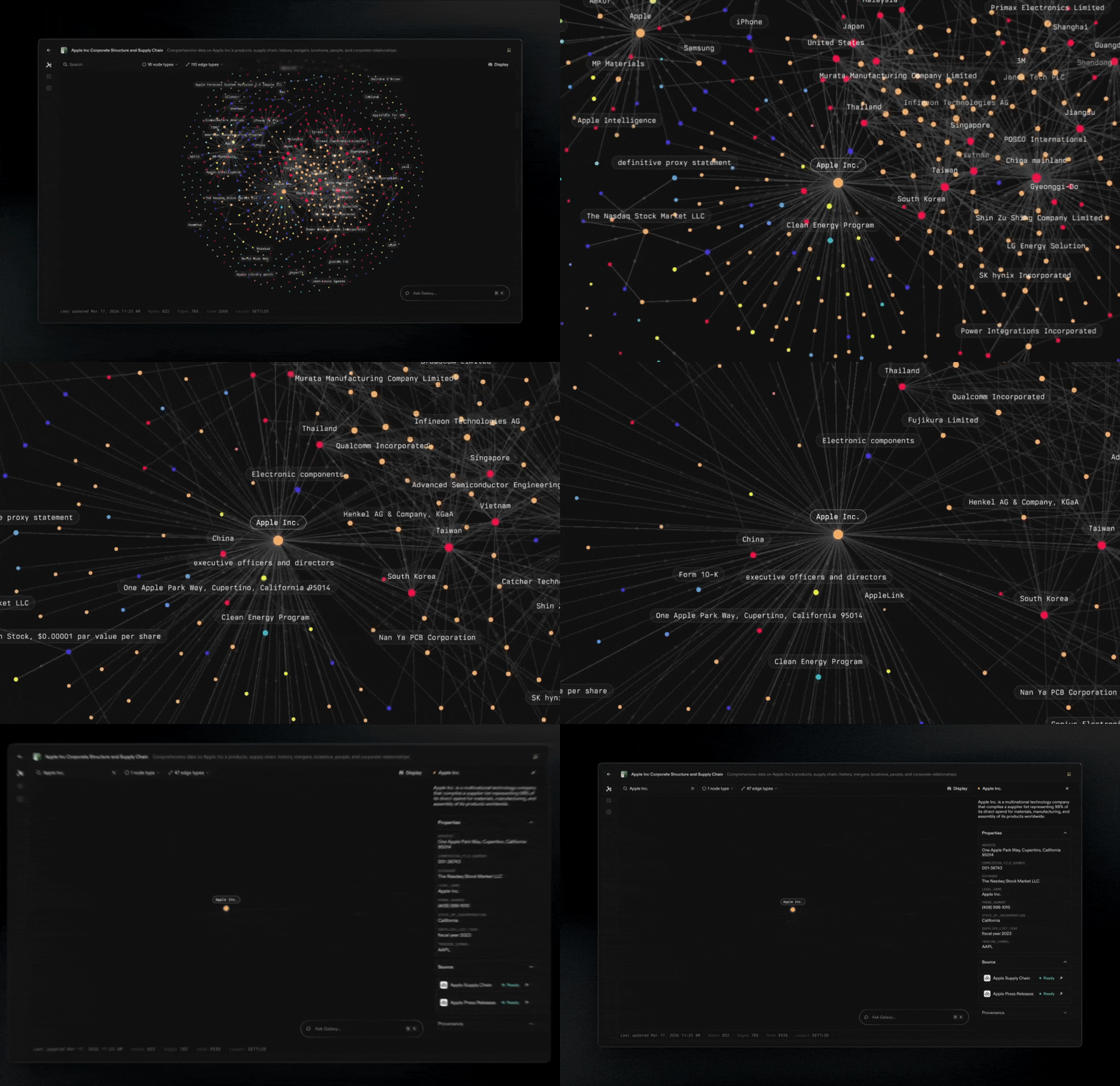
The graph view is the fastest way to understand what you have modeled. It lets you see Nodes and Edges as a connected system, then drill into the parts that matter.
Navigate the canvas
- Zoom and pan to move from a high-level overview to specific clusters.
- Re-center your view when you want to quickly get oriented again.
Inspect Nodes and Edges
- Click a node to view details about that node and what it connects to.
- Click an edge to inspect the edge, including the connection type and how it links the two nodes.
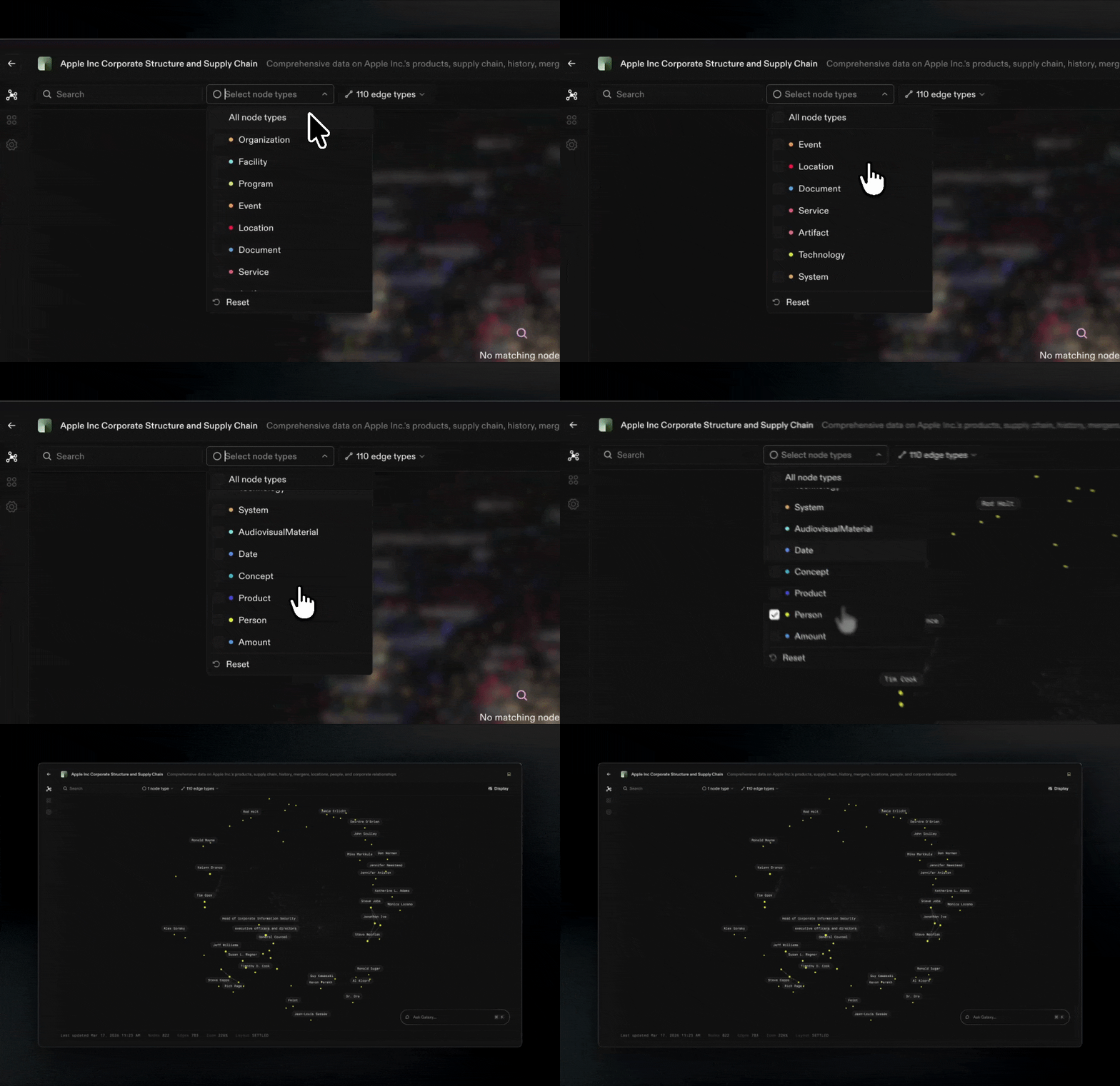
Filter what you see
As graphs grow, you rarely want to look at everything at once.
- Filter by node type to focus on a specific concept (Customers, Orders, Products).
- Filter by edge type to trace a specific kind of connection (owns, contains, belongs to).
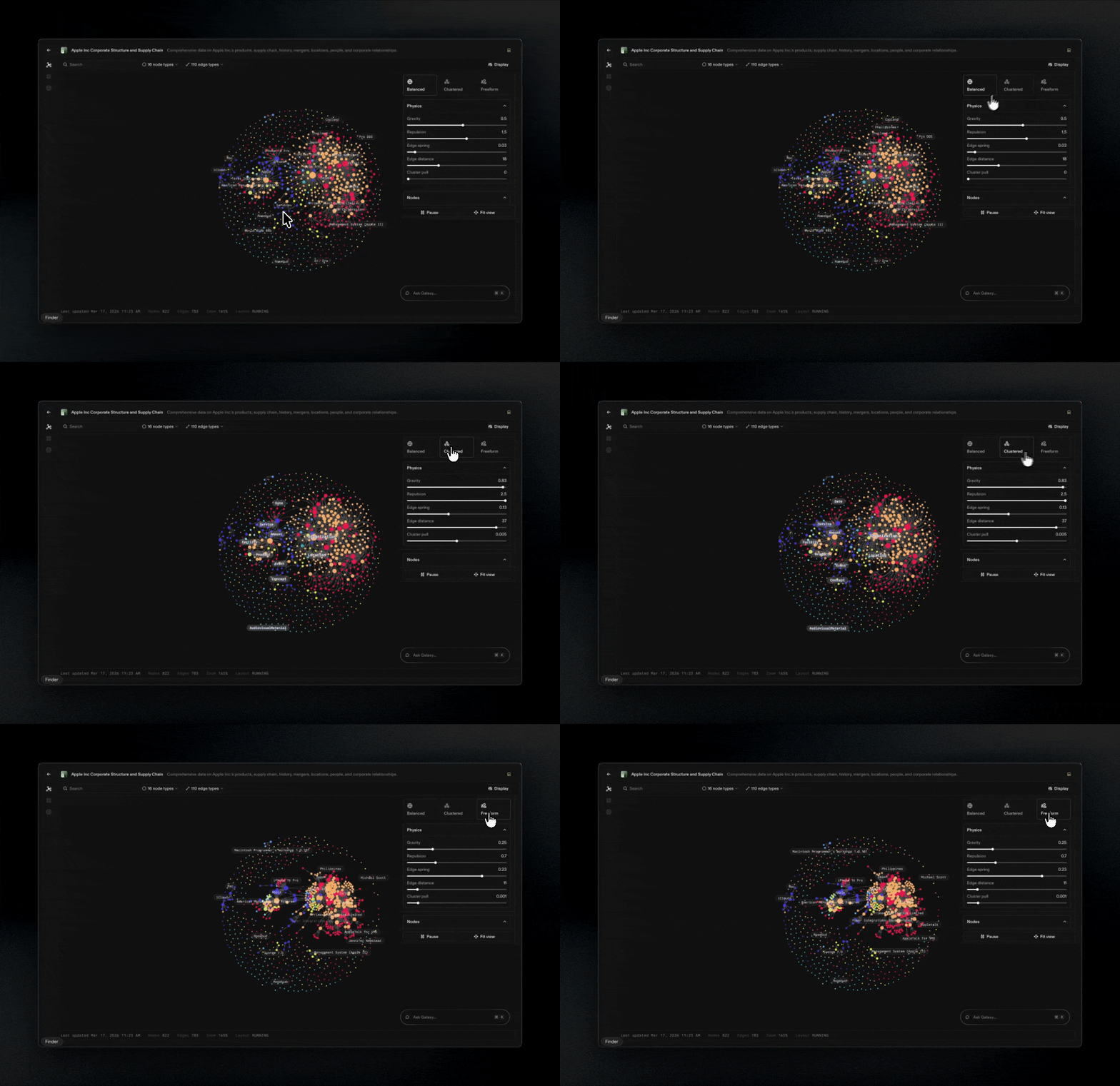
Tune the layout
Different layouts make different patterns obvious.
- Adjust graph physics to change spacing, clustering, and how tightly related nodes pull together.
- Use this to separate dense clusters, surface hubs, and follow relationship paths more clearly.
Tip: Start broad, then narrow. Zoom out to understand structure, filter to isolate a question, then click edges to confirm the exact relationships.