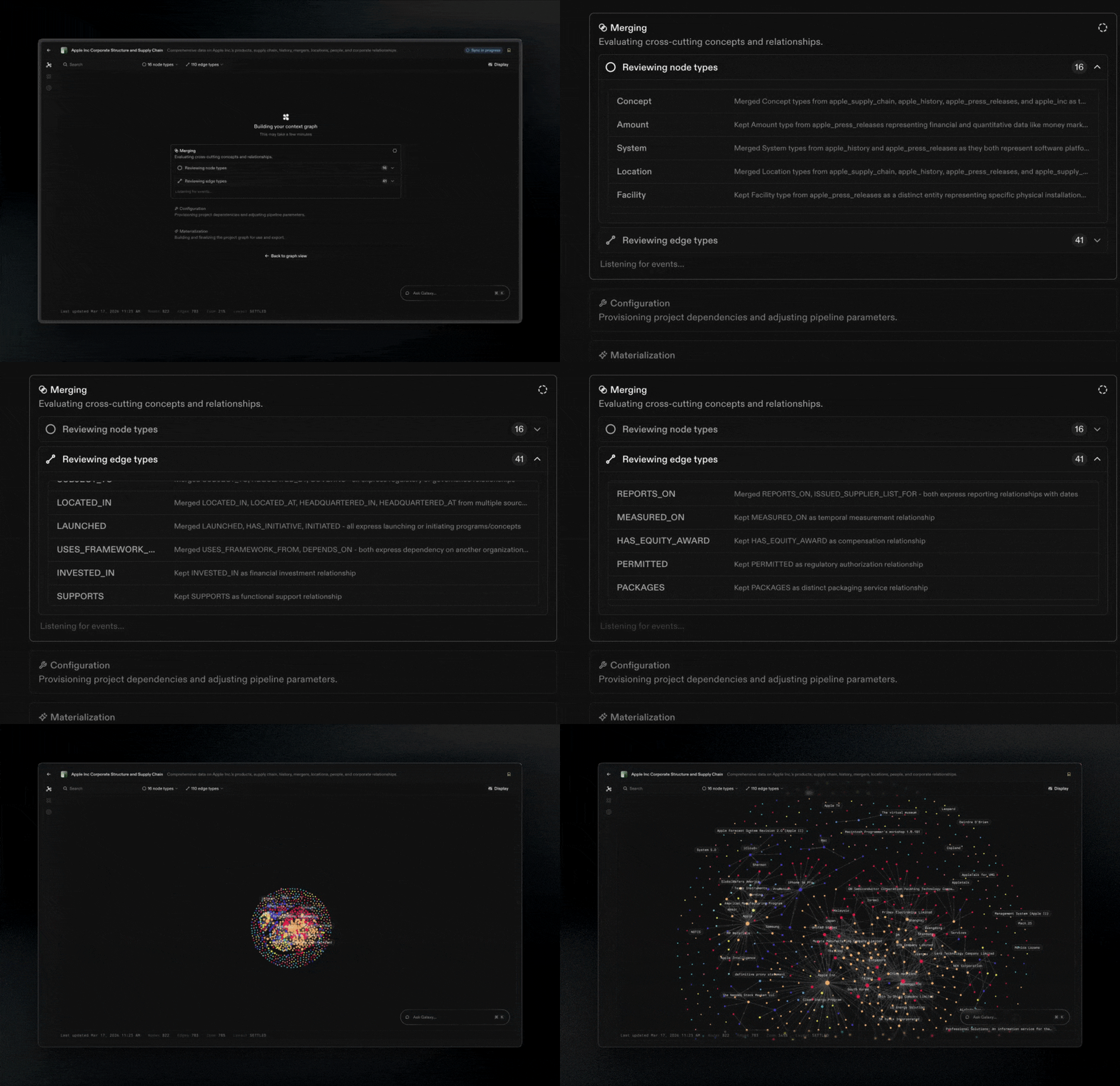
- Nodes: Semantic concepts like “Customer,” “Order,” or “Product”
- Edges: How Nodes connect, like “Customer places Order”
- Mappings: Connections between Nodes and Edges and Source data (e.g., mapping “Customer” to specific tables, columns, and joins)
Creating a Project
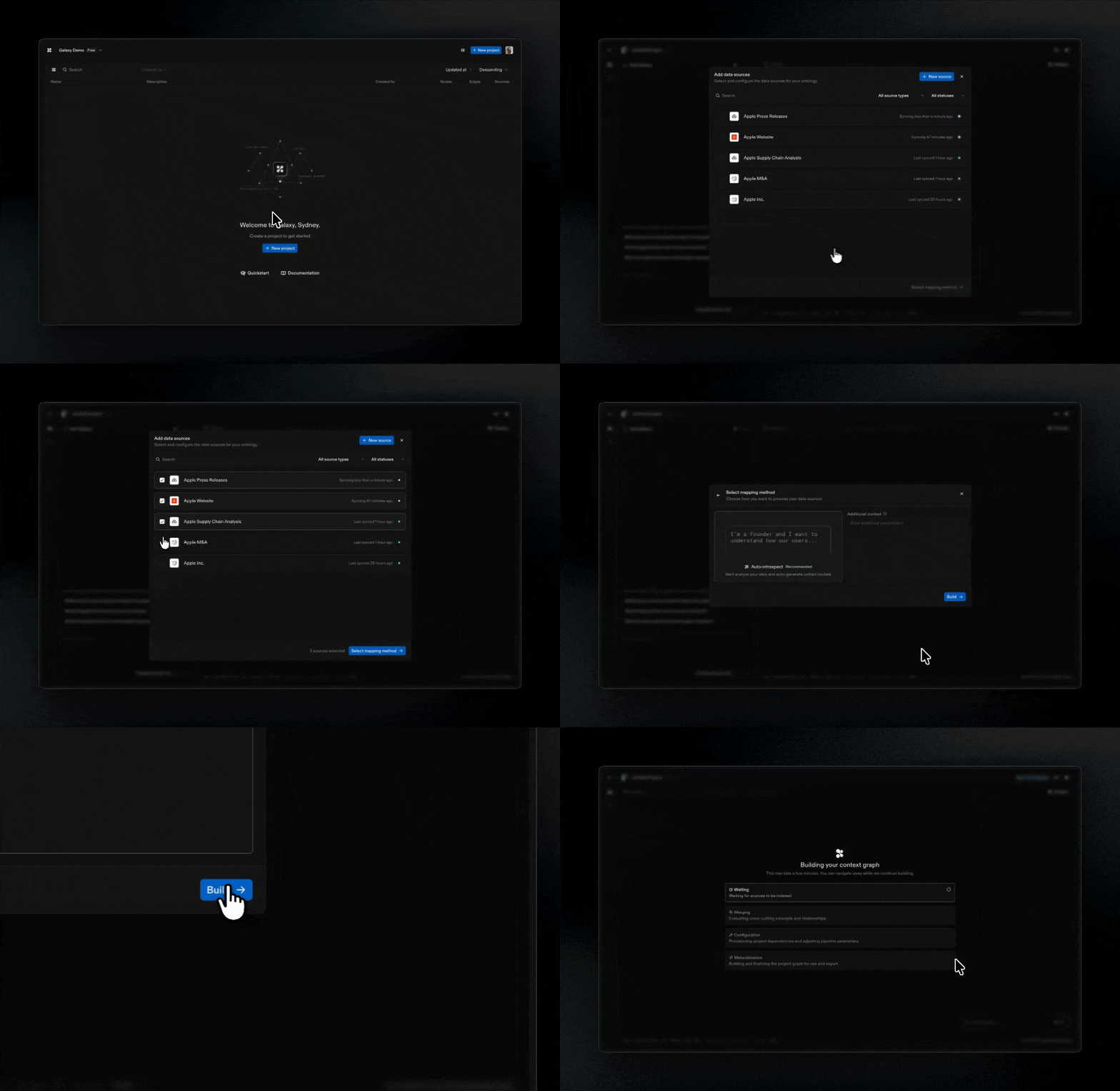
- Select Sources: Choose which Sources to attach to your Project or connect a new source
- Choose mapping method:
- Auto-introspect: Galaxy analyzes your Sources and automatically generates initial models
- COMING SOON JSON: Define your context graph structure using JSON
- COMING SOON Blank: Build from scratch with a canvas experience
- Run project sync: Galaxy processes your Sources and generates the initial context graph