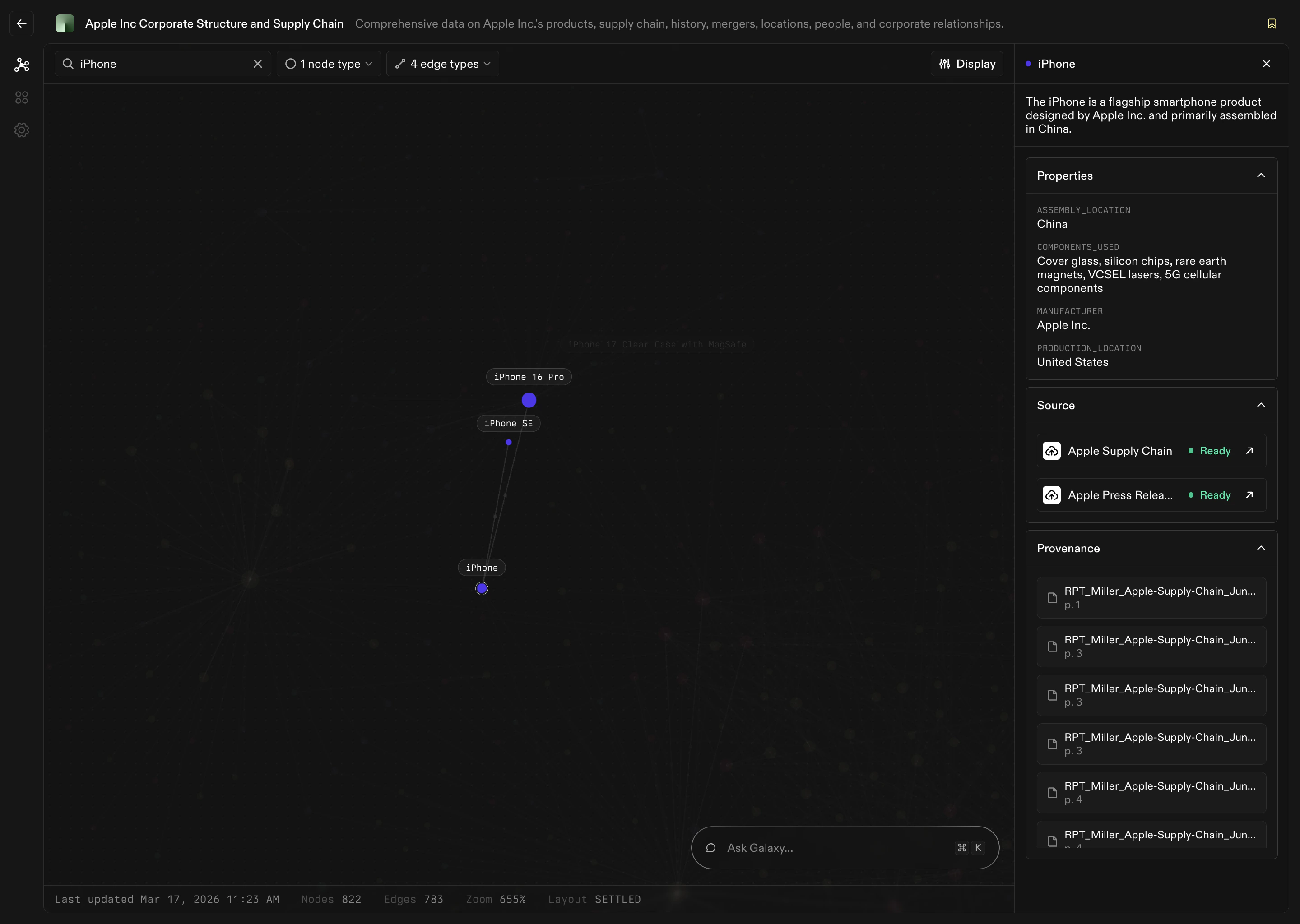
What is a Node?

A Node is a real-world concept that you want to represent and reason about in Galaxy. Nodes describe the important “things” in your organization. They are the nouns of your business. Examples of common nodes:
  • Customer
  • Order
  • Product
  • Invoice
  • Employee
  • Deal
  • Document
Nodes give structure and identity to raw data. Instead of thinking in tables and columns, you think in meaningful concepts that people recognize.

Why Nodes Matter

Without nodes, data remains fragmented across systems and schemas. Nodes allow you to:
  • Standardize business concepts across tools
  • Create shared definitions for key ideas
  • Bring multiple data sources together under one concept
  • Reason about data at a business level instead of a technical one
  • Power graph exploration, chat, and analytics
Instead of asking:
Which table has customer information?
you can ask:
What do we know about this Customer?

Representing Data as Nodes

Your connected Sources contain data. Projects turn that data into understanding. A node is the bridge between the two. For example:
Raw Data FieldRaw Data ValueNode Concept
customer_id48291Customer
order_idA7123Order
skuPRD-991Product
invoice_numberINV-4402Invoice
employee_email[email protected]Employee
Different systems may store similar information in different ways. Nodes provide a single, consistent definition that can span many Sources.

Anatomy of a Node

Every node in Galaxy includes several layers of information.

1. Name and Description

A node has:
  • A clear, human-readable name
  • A description explaining what it represents
This ensures that teams share the same understanding of what the node means.

2. Identifiers

Nodes need identity. A node definition typically specifies:
  • How individual records are uniquely identified
  • Which fields act as primary identifiers
  • How records from different systems should be matched together
Identifiers allow Galaxy to recognize that two pieces of data refer to the same real-world thing.

3. Attributes

Attributes describe the properties of a node. For a Customer node, attributes might include:
  • Name
  • Email
  • Signup date
  • Status
  • Region
Attributes come from your Sources, but they are organized and interpreted at the node level.

4. Mappings to Sources

Nodes are not abstract ideas. They are connected directly to real data. Each node includes mappings that define:
  • Which tables or files it comes from
  • Which columns correspond to which attributes
  • How data from multiple Sources should be combined
This mapping is what turns raw Source data into semantic understanding.

5. Edges

Nodes rarely exist alone. They connect to other nodes. Examples:
  • A Customer places an Order
  • An Order contains Products
  • An Employee manages an Account
These connections are defined through Edges, described in detail on the Edges page.