What is an Edge?
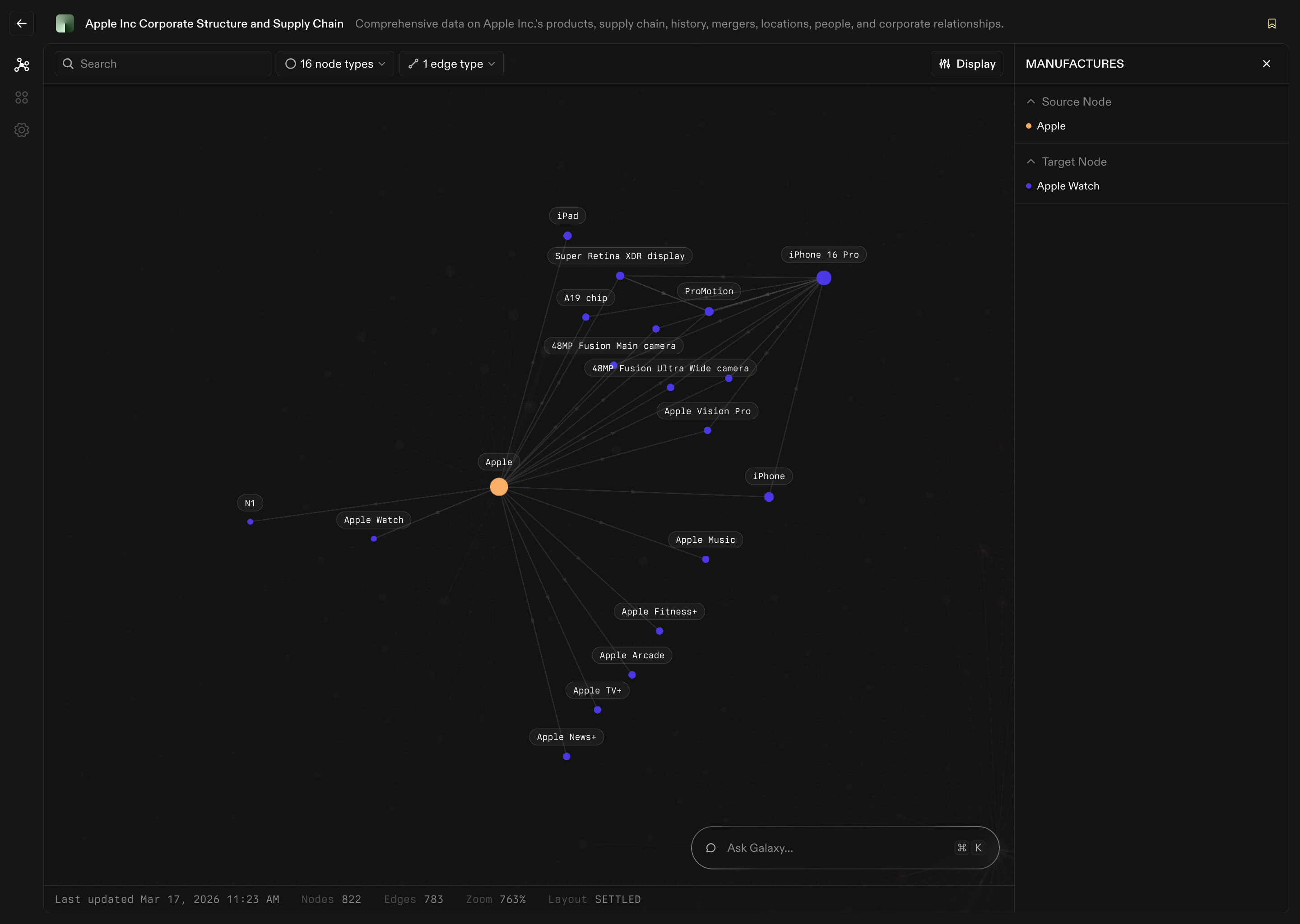
An Edge defines how two nodes are connected. If nodes are the nouns of your context graph, edges are the verbs. Examples:- Customer places Order
- Order contains Product
- Employee works on Project
- Account belongs to Organization
Why Edges Matter
Without edges, you only have isolated concepts. With edges, you can answer questions like:- Which customers bought this product?
- Which invoices belong to this account?
- Who is responsible for this deal?
- How are these two entities connected?
Representing Data as Edges
Nodes define what exists. Edges define how those things interact. Edges can represent many kinds of connections:- Ownership
- Containment
- Events
- Hierarchies
- Associations
| Source Node | Edge | Target Node |
|---|---|---|
| Customer | places | Order |
| Order | contains | Product |
| Employee | manages | Account |
| Department | includes | Employee |
| Invoice | references | Contract |
Anatomy of an Edge
Every edge has a clear structure.1. A Source Node
The starting point of the edge. Example: Customer2. A Target Node
The destination node. Example: Order3. An Edge Type
A description of how they connect. Example:- Customer places Order
- Clear
- Directional
- Expressed in plain language
4. Mapping Logic
Just like Nodes, edges are grounded in real data. An edge definition includes:- Which Source fields connect the nodes
- Join keys or matching rules
Edges Power Graph Exploration
Once edges are defined, you can:- Traverse from one node to another
- Filter by edge type
- Ask questions using chat
- Discover indirect connections
What’s Next
With nodes and edges defined, you have a working context graph. From here you can:- Explore the graph visually
- Ask questions using Chat
- Use Query Explorer to explore node and edge definitions
- Analyze logs and artifacts