

By the end of this guide, you will have:
- Connected your first data source
- Created a project
- Explored your data as a context graph
Step 1: Create Your Workspace
Login and create or join your team’s workspace.Step 2: Connect Your First Source
Galaxy connects to your existing data systems and builds a structure that organizes data around business concepts and relationships. See Sources for more details.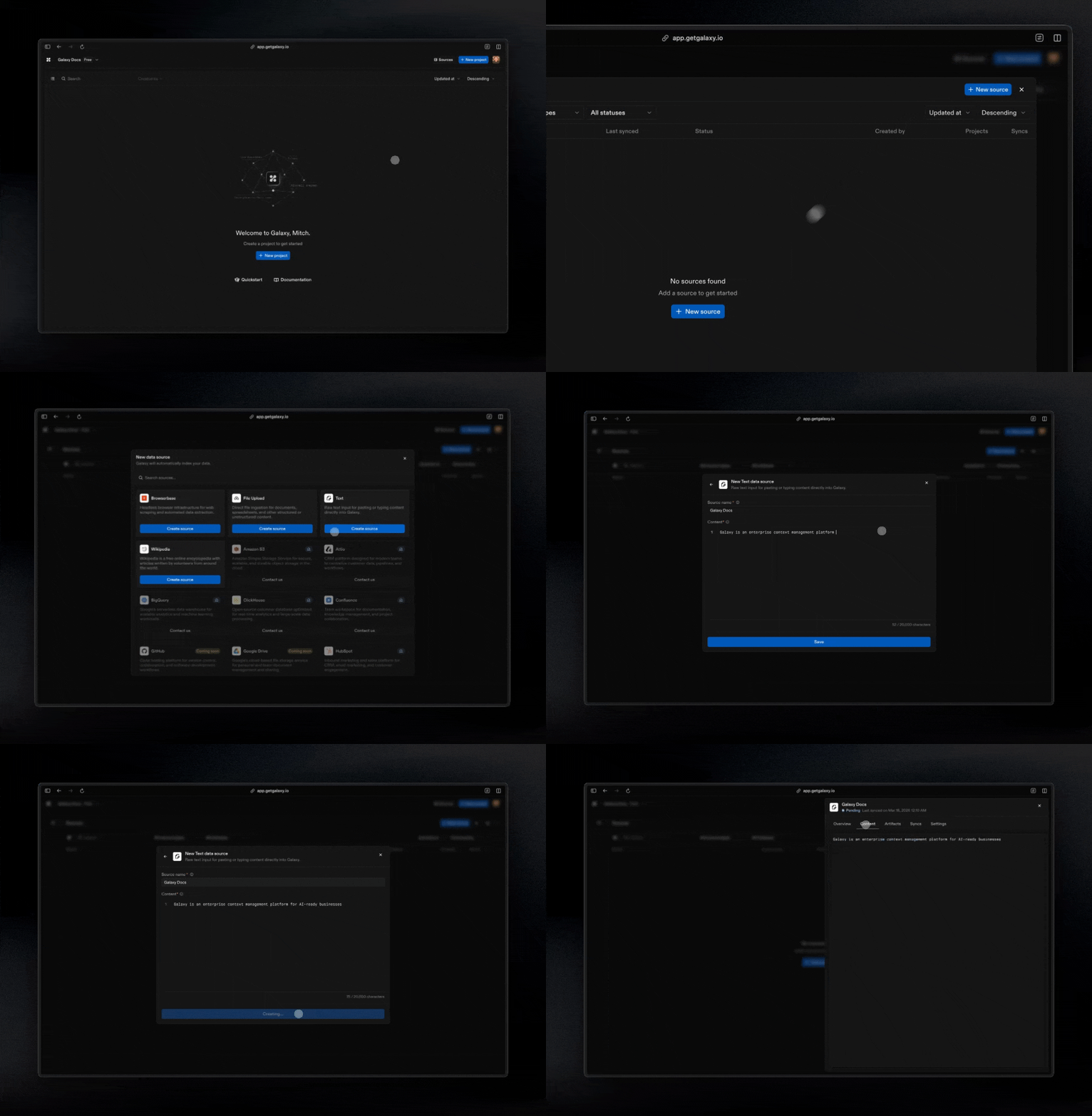
- Open Sources from the main navigation
- Select Add Source
- Choose a connector
- Authenticate or provide connection details
- Save and test the connection
Step 3: Create a Project
Projects are where you connect your data to build a context graph. See Projects for more details.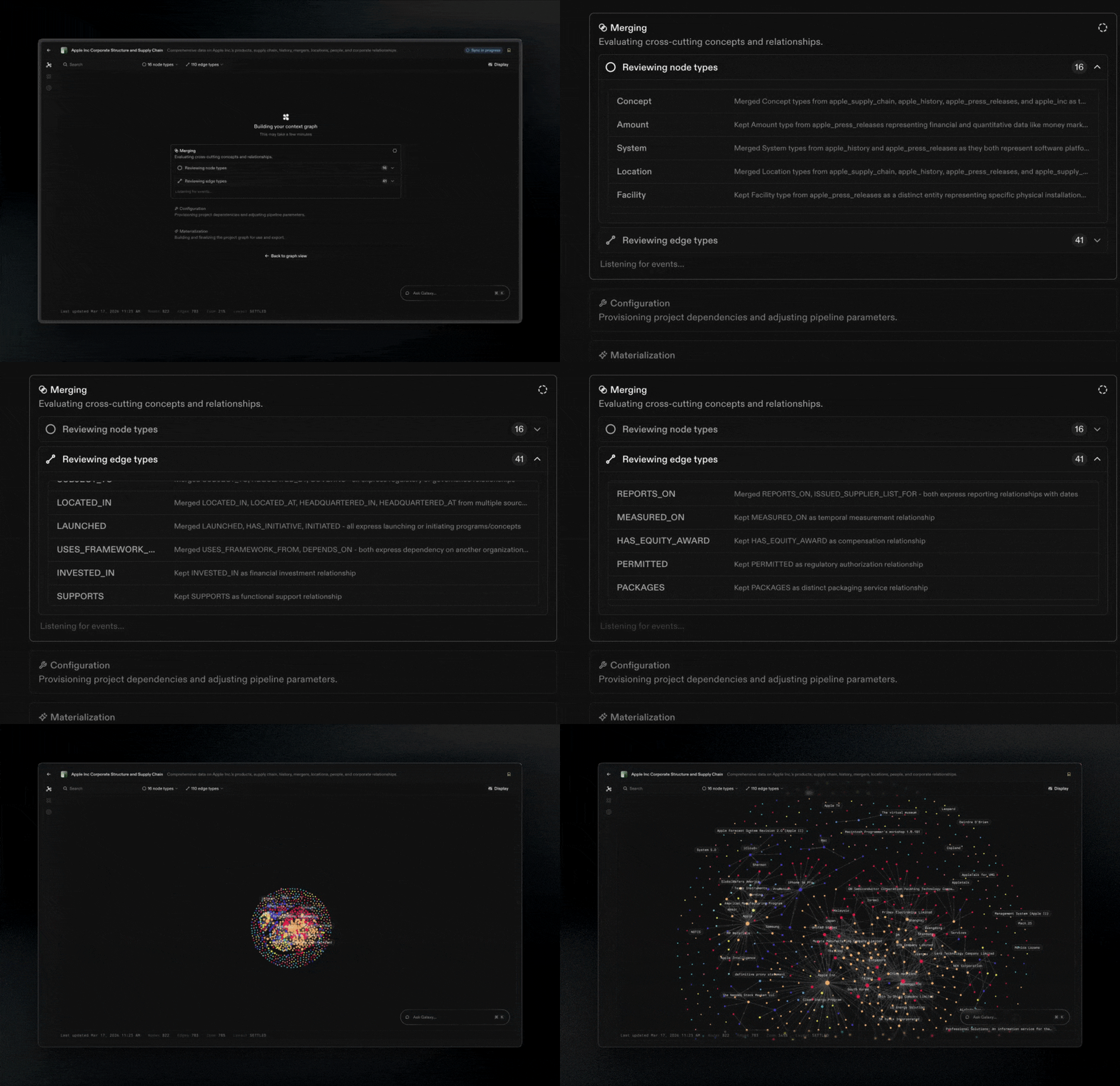
- Go to Projects
- Select Create Project
- Select your sources and mapping method
What You Built
In a few steps, you have:Connected real systems
Created a project
Defined business entities
Mapped relationships
Generated a living context graph
- Build accurate, trusted analytics
- Power AI with consistent context
- Collaborate using a common language
What’s Next
Now that you have completed the basics, explore these topics:Context Graphs
Understand Galaxy’s foundation.
Sources
Connect more systems to Galaxy.
Projects
Build context graphs.
Workspace Settings
Manage access and governance.