

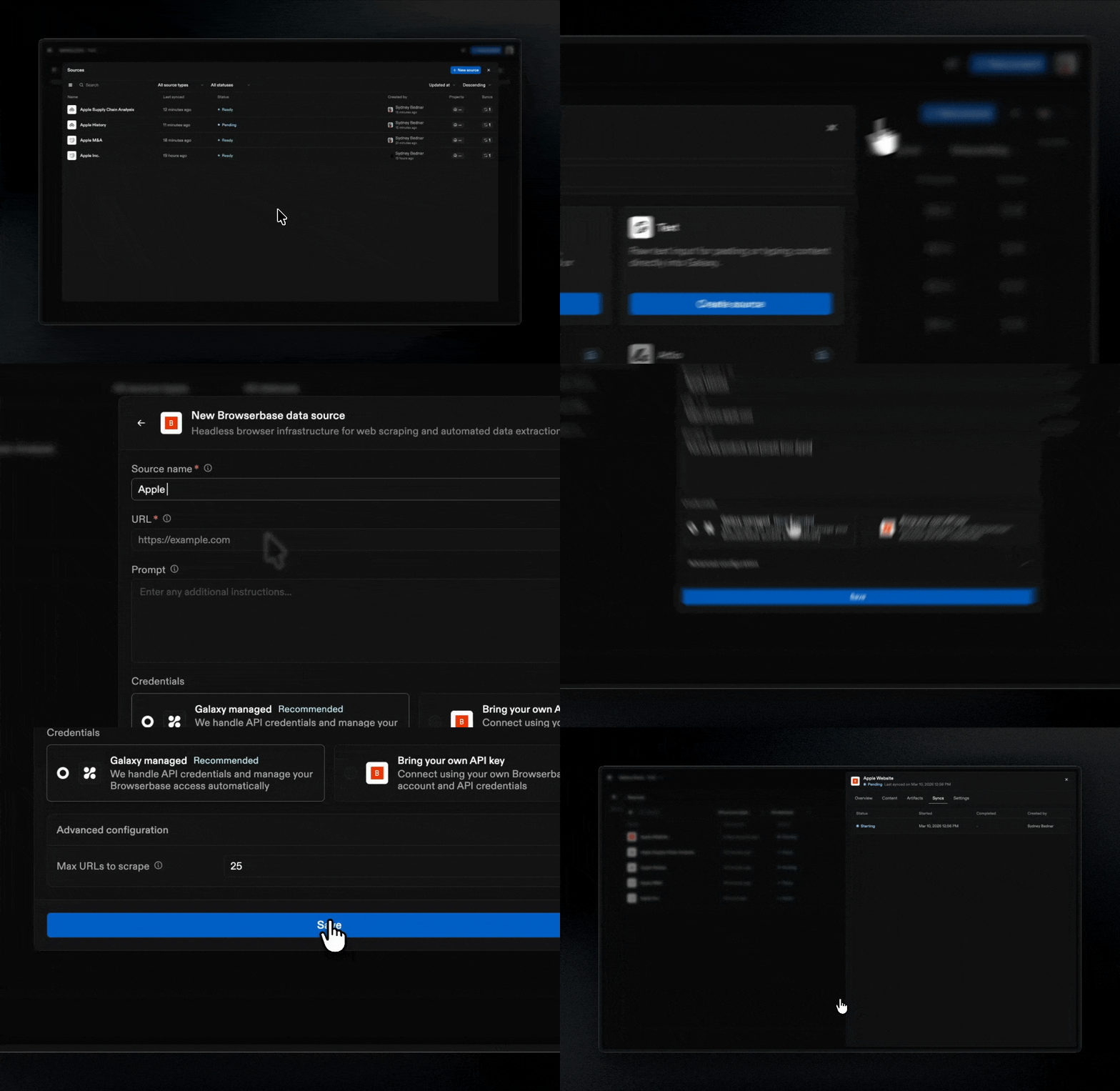
What Sources Are
Sources are the underlying systems of record that supply the raw data used to construct your Project. When you connect a Source, Galaxy observes the structure of your connected systems: schemas, tables, columns, files, folders, and organizational elements. Galaxy automatically manages a data infrastructure built on Apache Iceberg that replicates and stores your data. Galaxy supports both structured and unstructured data:- Structured sources: Databases, spreadsheets, and other structured formats expose schemas, tables, columns, and relationships
- Unstructured sources: Documents, files, and text content are processed to extract structure, text, entities, and semantic information
Source Types
Galaxy supports the following Source types:- File Upload: Direct file upload to Galaxy
- Browserbase: Website content scraping
- Free Text: Paste or type content into the input box
- COMING SOON PostgreSQL: Relational database management system
- COMING SOON Google Drive: Cloud-based file storage and collaboration platform
- COMING SOON Slack: Messaging and collaboration platform
- COMING SOON Amazon S3: Object storage service
- COMING SOON Notion: Productivity and knowledge management platform
- COMING SOON Attio: CRM platform
Managing Sources
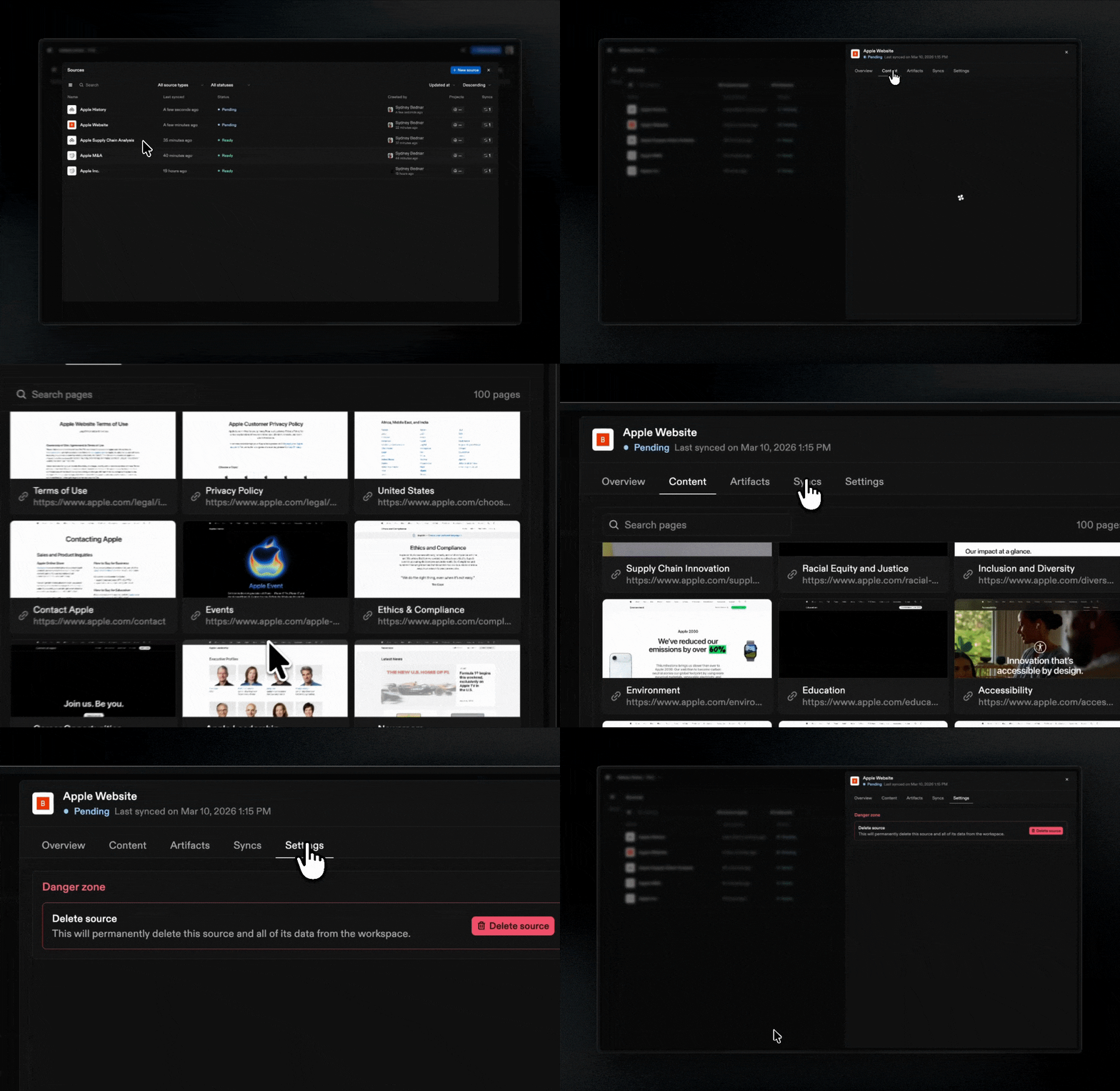
- View structure: Browse schemas, tables, columns, files
- View activity: See all syncs and updates to the source from your team
- Sync: Update Galaxy’s understanding if the source system has changed
- Configure connection: Update connection details or authentication
- Delete: Disconnect a Source if it is no longer needed
Sources and Projects
Galaxy intentionally separates observation from interpretation.Sources observe reality
Galaxy connects to systems and records what exists
Projects interpret reality
Teams define what those structures mean in context
Graphs emerge naturally
As nodes and edges are defined, a navigable graph forms
Understanding evolves
When systems change, the context graph can evolve with them
Don’t see a source type you’re looking for? We connect to hundreds of systems - reach out to support@getgalaxy.io to request access.