

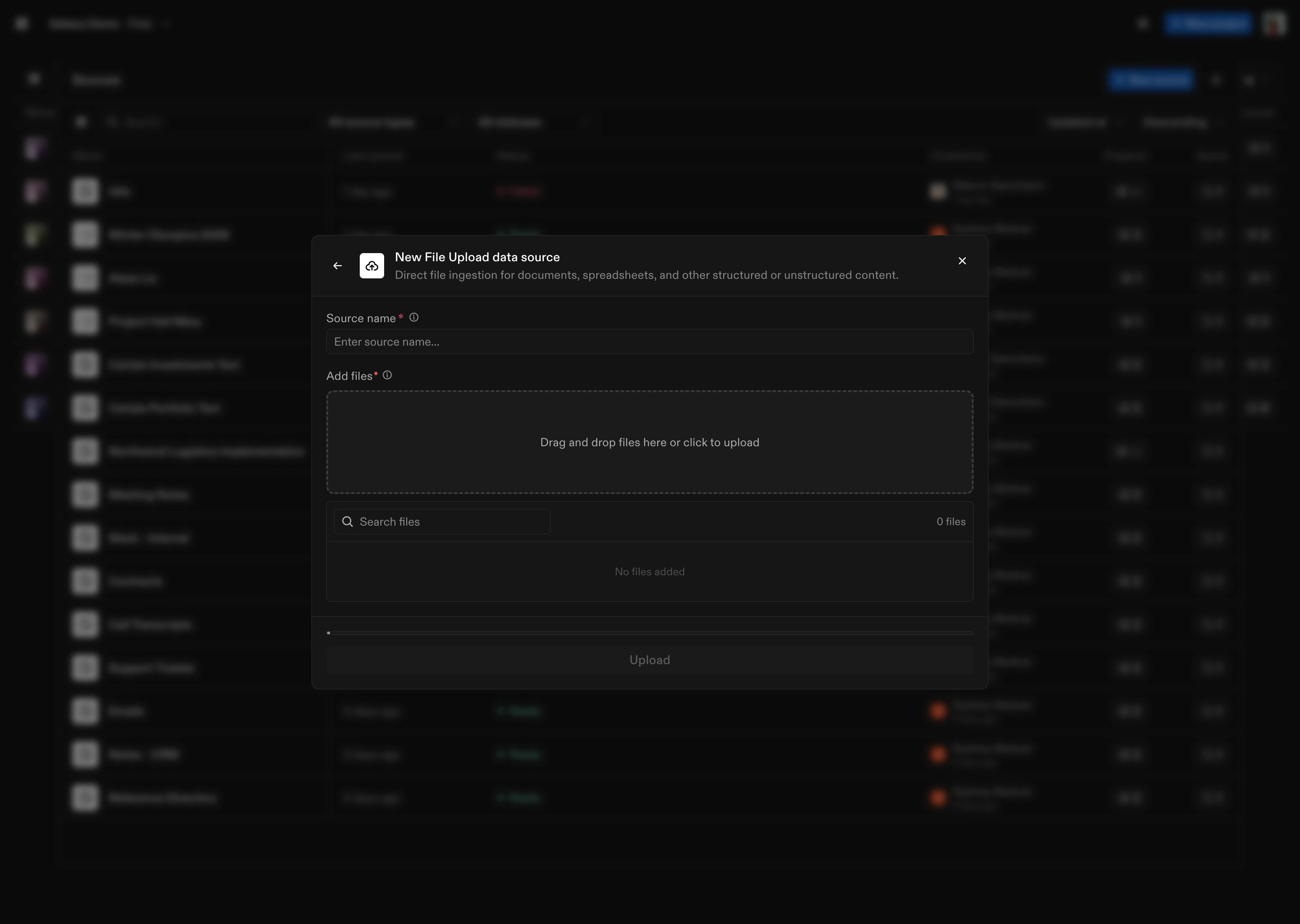
How to Connect
- Select File Upload as the Source type
- Upload files: Select files from your local system to upload
- Name the Source: Give your File Upload Source a name
File Processing
Galaxy supports the following file types: .csv, .pdf, .ppt, .pptx, .xlsx, .doc, .docx, .txt, .md. We also handle:- Text extraction (preserving structure and layout)
- Entity extraction (dates, emails, URLs, phone numbers, measurements, etc.)
- Normalization of extracted entities to standardized formats
Don’t see a source type you’re looking for? We connect to hundreds of systems - reach out to support@getgalaxy.io to request access.
What’s Next
Sources
Learn about Sources in general
Projects
Understand how to use Sources in Projects