
Attio

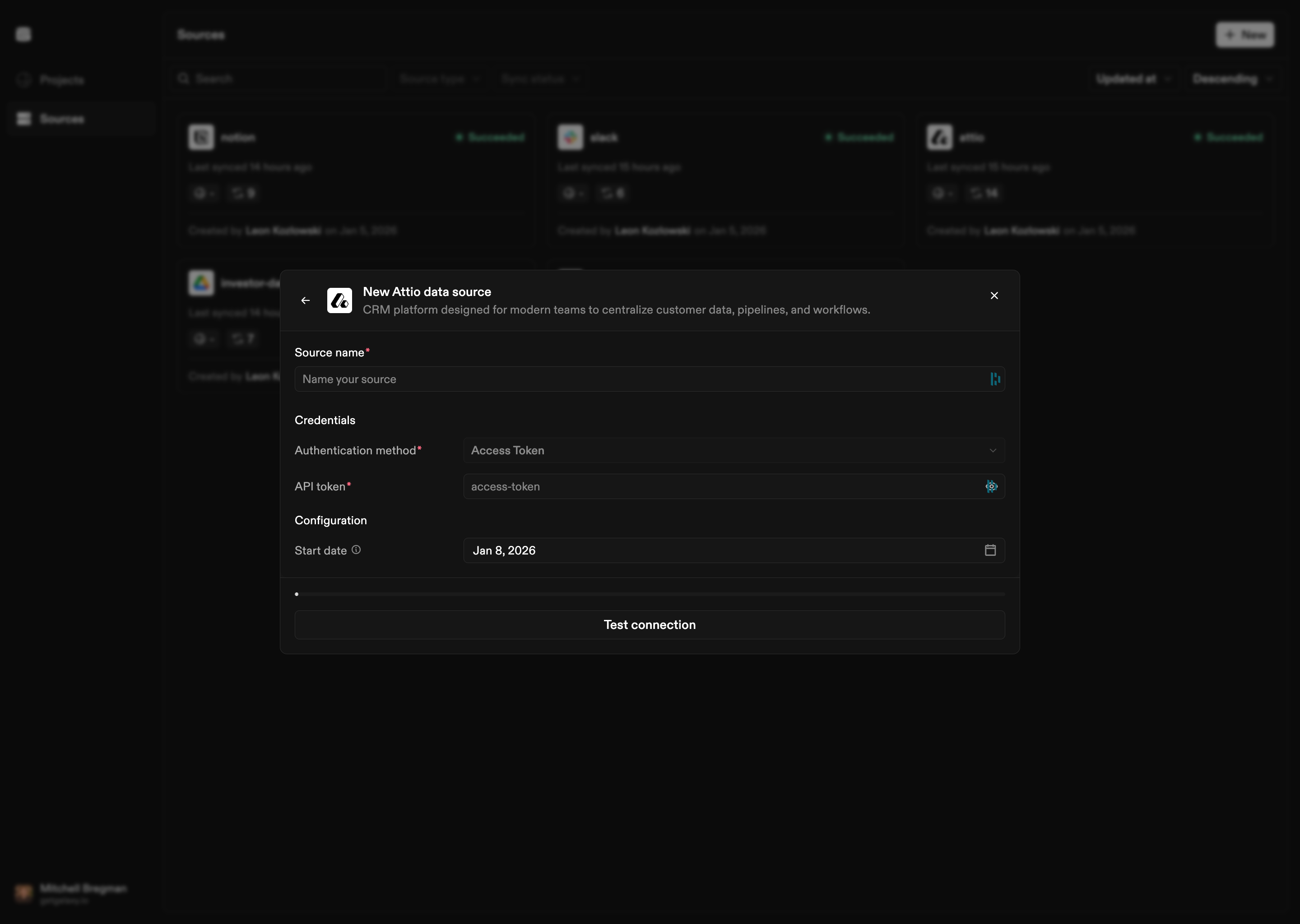
Connect Galaxy to an Attio workspace to observe records, objects, properties, and organizational elements. Attio source configuration
How to Connect

  1. Select Attio as the Source type
  2. Authenticate: Provide your Attio API access token
  3. Optional start date: Set a start date for syncing historical data
Once connected, Galaxy validates the connection and begins observing the workspace structure.

Configuration Options

Authentication

Attio Sources require an API access token:
  • Access Token: Your Attio API access token
The access token determines what level of access Galaxy has to your Attio workspace. Ensure the token has appropriate permissions to read workspace structure.

Start Date

Optionally set a start date to limit how far back Galaxy syncs historical data. If not provided, Galaxy syncs all available data.

What’s Next