

Notion
Connect Galaxy to a Notion workspace to observe pages, databases, blocks, and organizational elements.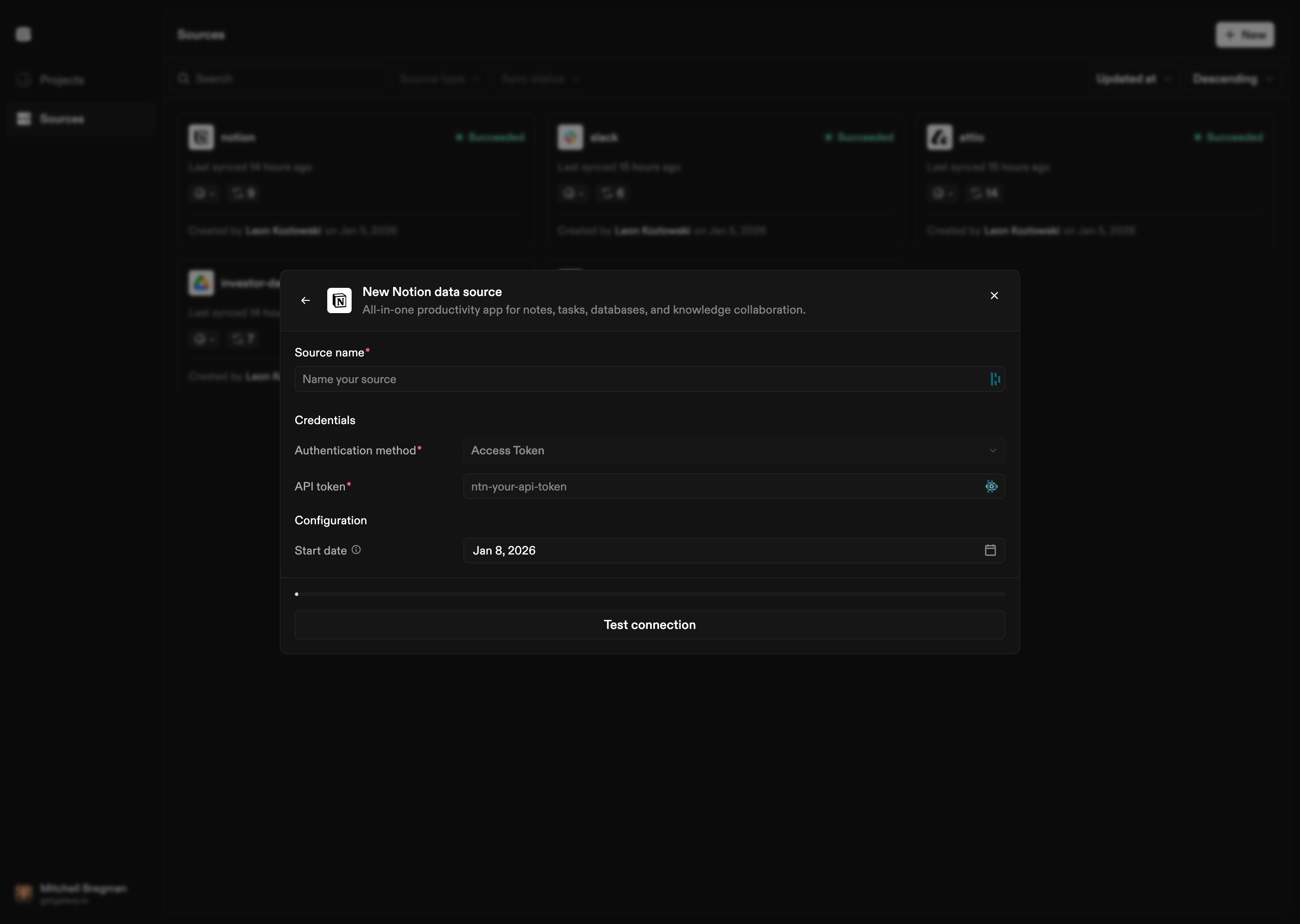
How to Connect
- Select Notion as the Source type
- Choose authentication method:
- OAuth 2.0: Standard OAuth flow for user authentication
- Access Token: Direct access token authentication
- Provide credentials:
- OAuth: Access token, Client ID, and Client Secret
- Access Token: Notion API access token
- Optional start date: Set a start date for syncing historical data
Configuration Options
Authentication
OAuth 2.0:- Access Token: OAuth access token
- Client ID: OAuth client ID
- Client Secret: OAuth client secret
- Token: Notion API access token