

File Upload
Upload files directly to Galaxy without connecting to an external system. Galaxy processes files and extracts structure, content, and metadata.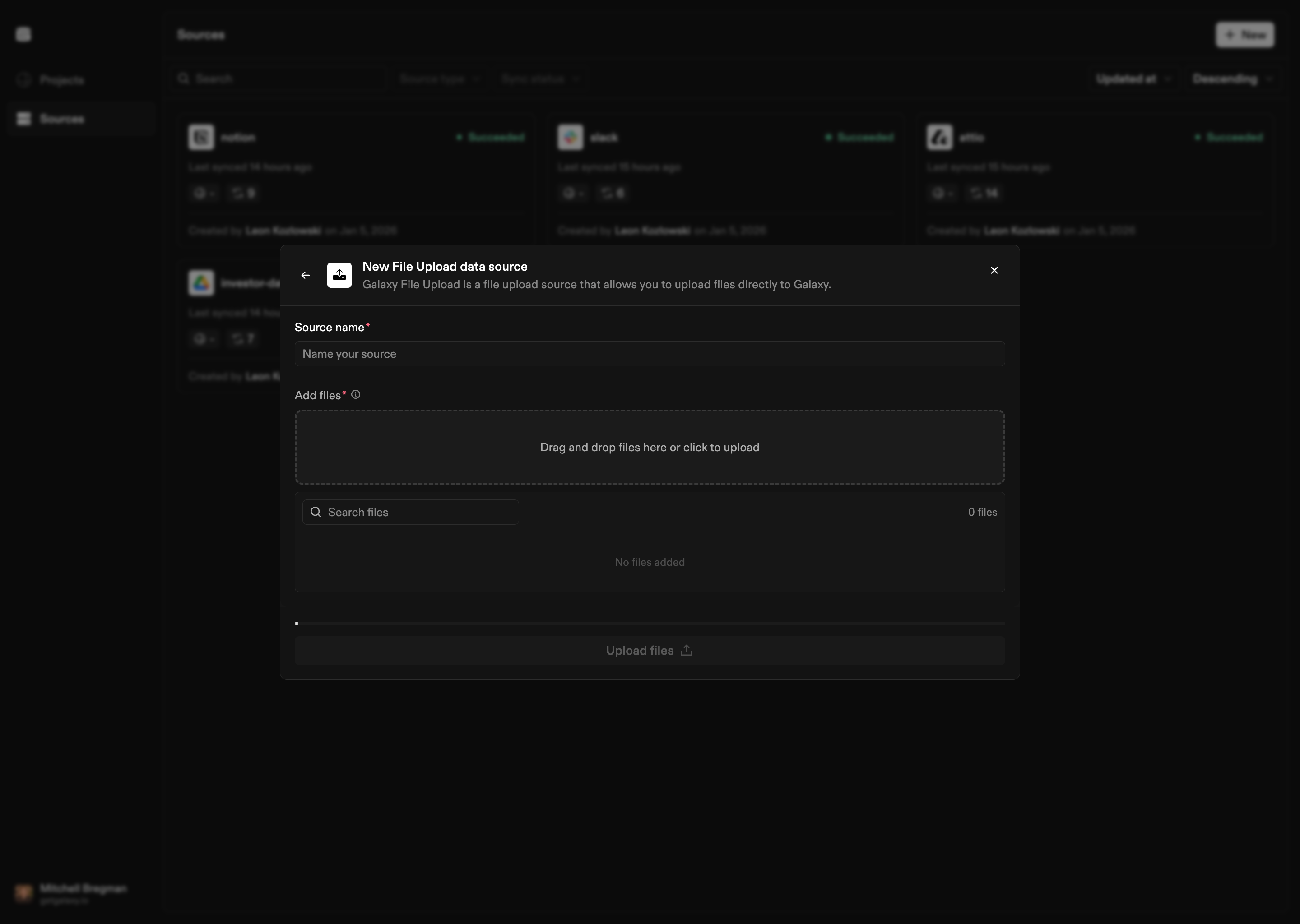
How to Connect
- Select File Upload as the Source type
- Upload files: Select files from your local system to upload
- Name the Source: Give your File Upload Source a name
File Processing
Galaxy processes different file types:- Structured files: CSV, JSON, Excel, and other structured formats are parsed to extract columns, rows, and data structures
- Unstructured documents: Text documents, PDFs, DOCX, and other formats are processed with:
- Text extraction (preserving structure and layout)
- OCR processing for image-based documents and scanned files
- Entity extraction (dates, emails, URLs, phone numbers, measurements, etc.)
- Normalization of extracted entities to standardized formats
- Images: Image files are processed with OCR to extract text and metadata