

Website Scrape
Scrape website content and bring it into Galaxy for processing. Galaxy fetches content, processes it, and extracts structure, text, and entities.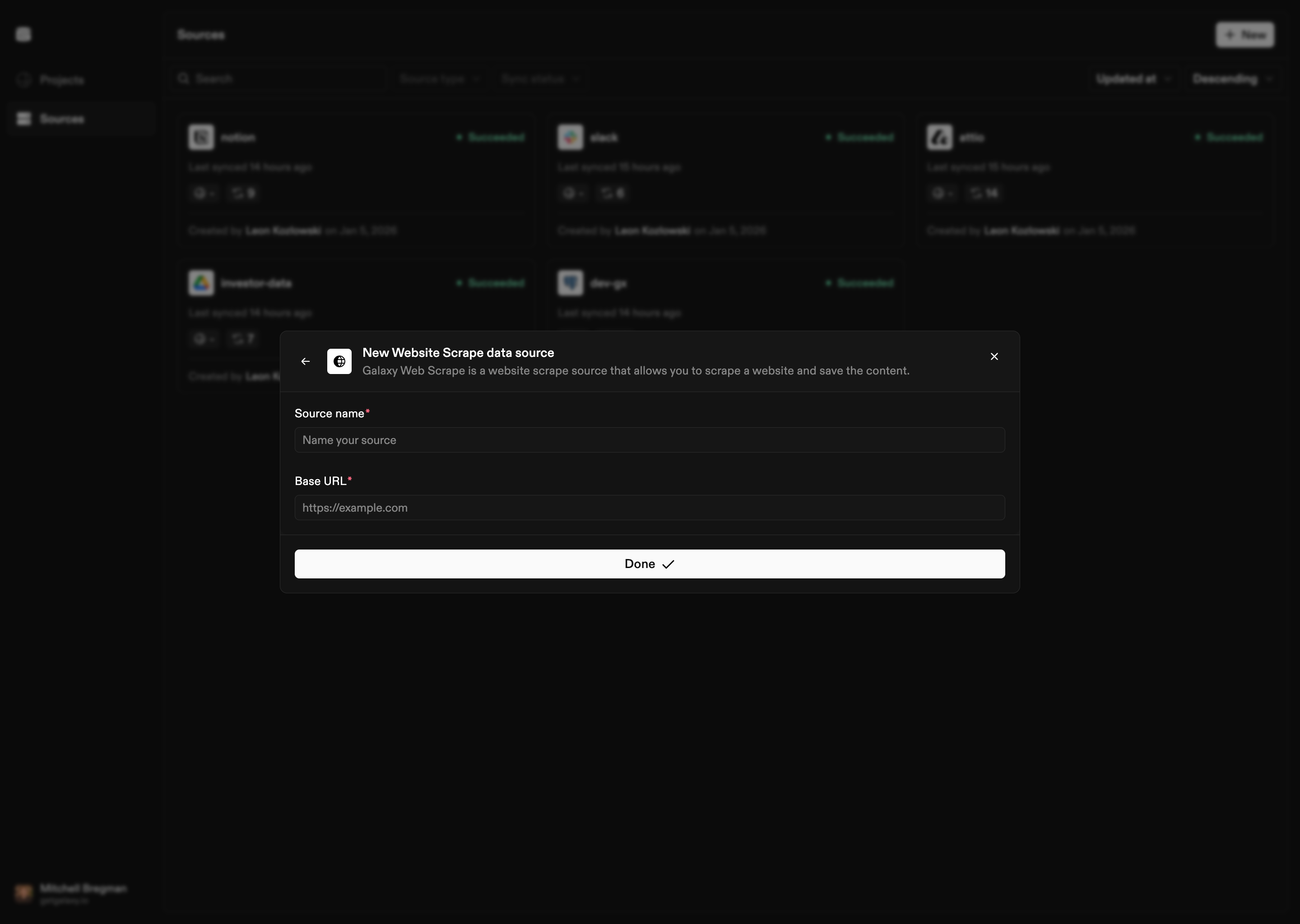
How to Connect
- Select Website Scrape as the Source type
- Provide base URL: Enter the base URL of the website to scrape
- Configure scraping options:
- Max depth: Maximum depth to crawl (optional)
- Max pages: Maximum number of pages to scrape (optional)
- Allowed domains: Specific domains to allow (optional)
- Delay between requests: Delay in milliseconds between requests (optional)
- Respect robots.txt: Whether to respect robots.txt (optional)
- User agent: Custom user agent string (optional)
- Name the Source: Give your Website Scrape Source a name
Configuration Options
URL Configuration
- Base URL: Starting URL for the scrape
Scraping Options
- Max Depth: Maximum depth to crawl from the base URL
- Max Pages: Maximum number of pages to scrape
- Allowed Domains: List of domains that are allowed to be scraped (leave empty to allow all)
- Delay Between Requests: Delay in milliseconds between requests (helps avoid overwhelming servers)
- Respect robots.txt: Whether to respect robots.txt rules
- User Agent: Custom user agent string to identify the scraper
Content Processing
Galaxy processes scraped website content with:- Text extraction: Extracts text content from web pages, preserving structure and layout
- Content normalization: Normalizes scraped content for consistency
- Entity extraction: Automatically extracts and normalizes semantic entities including:
- Dates and times (normalized to standard formats)
- Email addresses and URLs
- Phone numbers
- Measurements, money, and percentages
- Serial numbers, model numbers, and part numbers
- IP addresses and version numbers
- Technical measurements (temperature, pressure, voltage, current, frequency)
- Normalization: Extracted entities are normalized to standardized formats