

Slack
Connect Galaxy to a Slack workspace to observe channels, conversations, users, and organizational elements.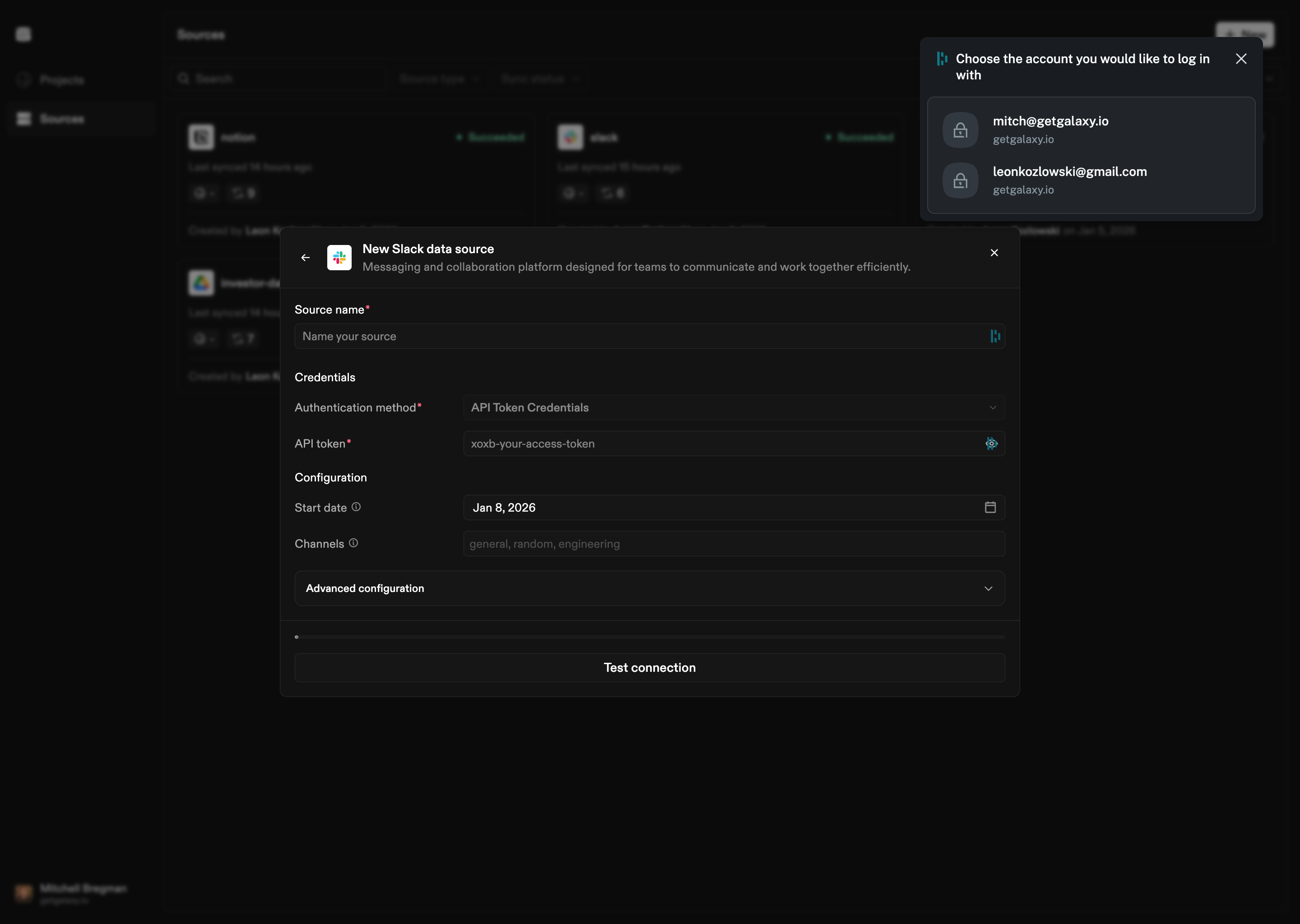
How to Connect
- Select Slack as the Source type
- Choose authentication method:
- OAuth 2.0: Standard OAuth flow for user authentication
- API Token: Direct API token authentication
- Provide credentials:
- OAuth: Access token, Client ID, and Client Secret
- API Token: Slack API token (Bot User OAuth Token)
- Configure channels (optional):
- Channel filter: Specific channels to observe
- Include private channels: Whether to include private channels
- Join channels: Whether to join channels automatically
- Configure sync options (optional):
- Start date: Start date for syncing historical data
- Lookback window: Number of days to look back
- Channel messages window size: Size of message window
- Number of workers: Number of parallel workers
Configuration Options
Authentication
OAuth 2.0:- Access Token: OAuth access token
- Client ID: OAuth client ID
- Client Secret: OAuth client secret
- API Token: Slack Bot User OAuth Token
Channel Configuration
- Channel Filter: Specific channels to observe (leave empty for all channels)
- Include Private Channels: Whether to include private channels you have access to
- Join Channels: Whether to automatically join channels
Sync Options
- Start Date: Start date for syncing historical data
- Lookback Window: Number of days to look back when syncing
- Channel Messages Window Size: Size of the message window for each channel
- Number of Workers: Number of parallel workers for syncing