

Amazon S3
Connect Galaxy to an Amazon S3 bucket to observe objects, prefixes (folders), and organizational hierarchy.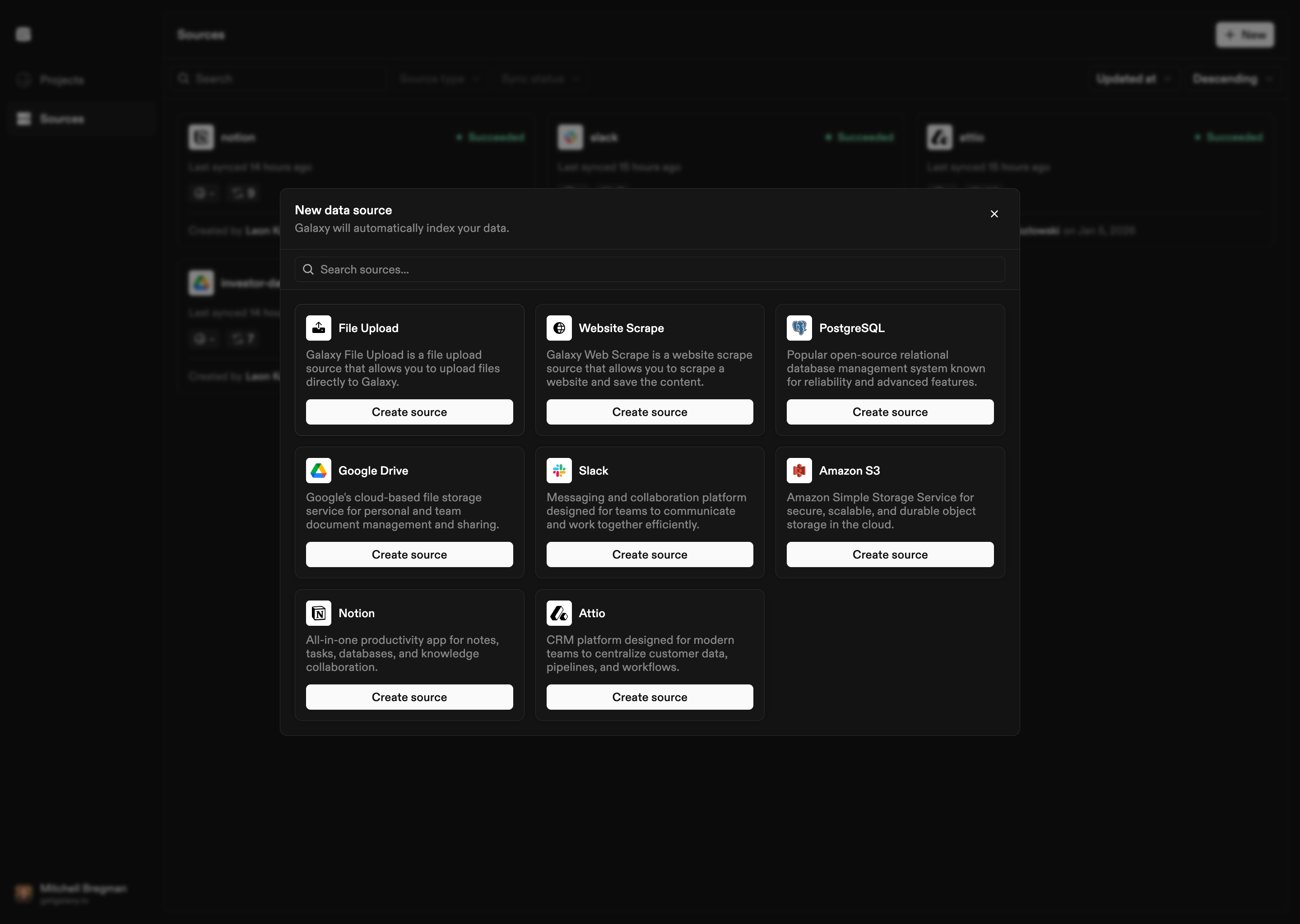
How to Connect
- Select Amazon S3 as the Source type
- Provide AWS credentials:
- Access Key ID: AWS access key ID
- Secret Access Key: AWS secret access key
- Region: AWS region where your buckets are located
- Optional: Role ARN for IAM role authentication
- Optional: Custom endpoint URL
- Configure bucket: Provide the bucket name to observe
- Configure streams: Set up file-based stream configurations for different object types
- Optional start date: Set a start date for syncing historical data
Configuration Options
AWS Credentials
- Access Key ID: AWS access key ID
- Secret Access Key: AWS secret access key
- Region: AWS region where your buckets are located
- Role ARN: Optional IAM role ARN for role-based authentication
- Endpoint: Optional custom endpoint URL (for S3-compatible services)
Bucket Configuration
- Bucket: S3 bucket name to observe
Stream Configuration
Configure file-based streams to process different object types:- Structured formats: CSV, JSONL, Parquet, Avro, Excel
- Unstructured documents: PDFs, DOCX, Markdown, and other text formats
- Processing options: Configure parsing strategies, validation policies, schema discovery, and glob patterns
Delivery Method
Choose how to deliver data:- Replicate Records: Deliver as structured records
- Copy Raw Files: Copy files as-is, optionally preserving directory structure